AI meeting minutes, free for life
We write your meeting minutes in your company's format.
Sign in

No more copying minutes into your company's format.
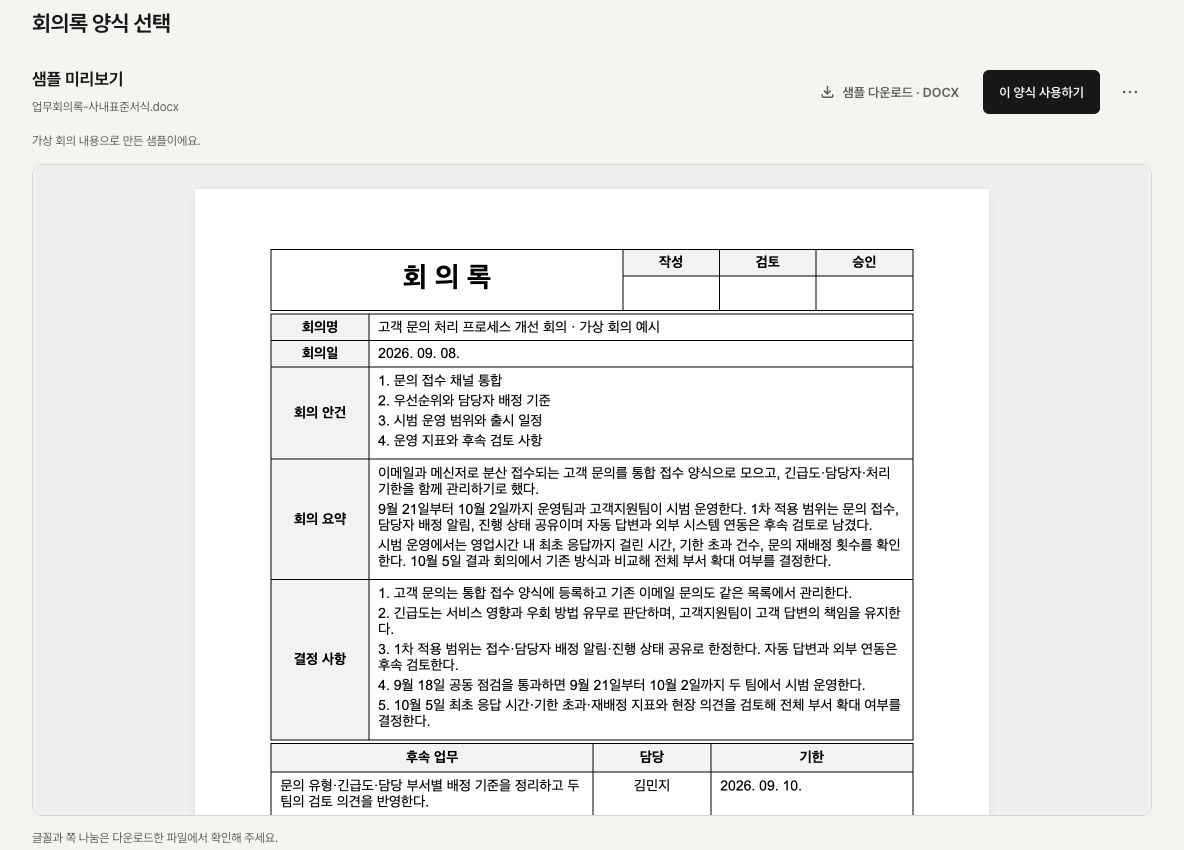
Add the template you already use once. Get your meeting minutes in that format.
These are actual Ratifo minutes created from synthetic audio of a fictional meeting. Results may vary with the meeting content and your template.
One template to start. Then just your meetings.
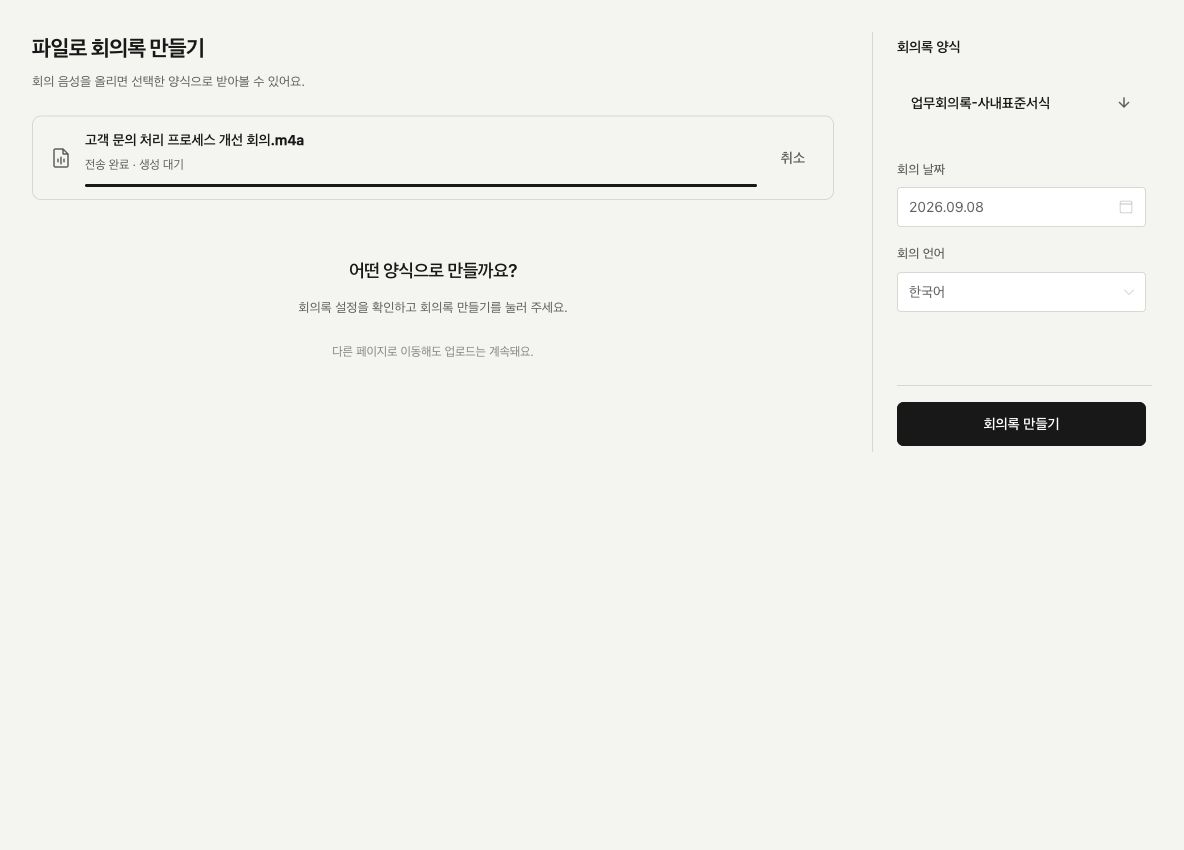
Reuse your template for future meetings. Record or upload an audio file, then review the completed document. Make any edits on your computer.
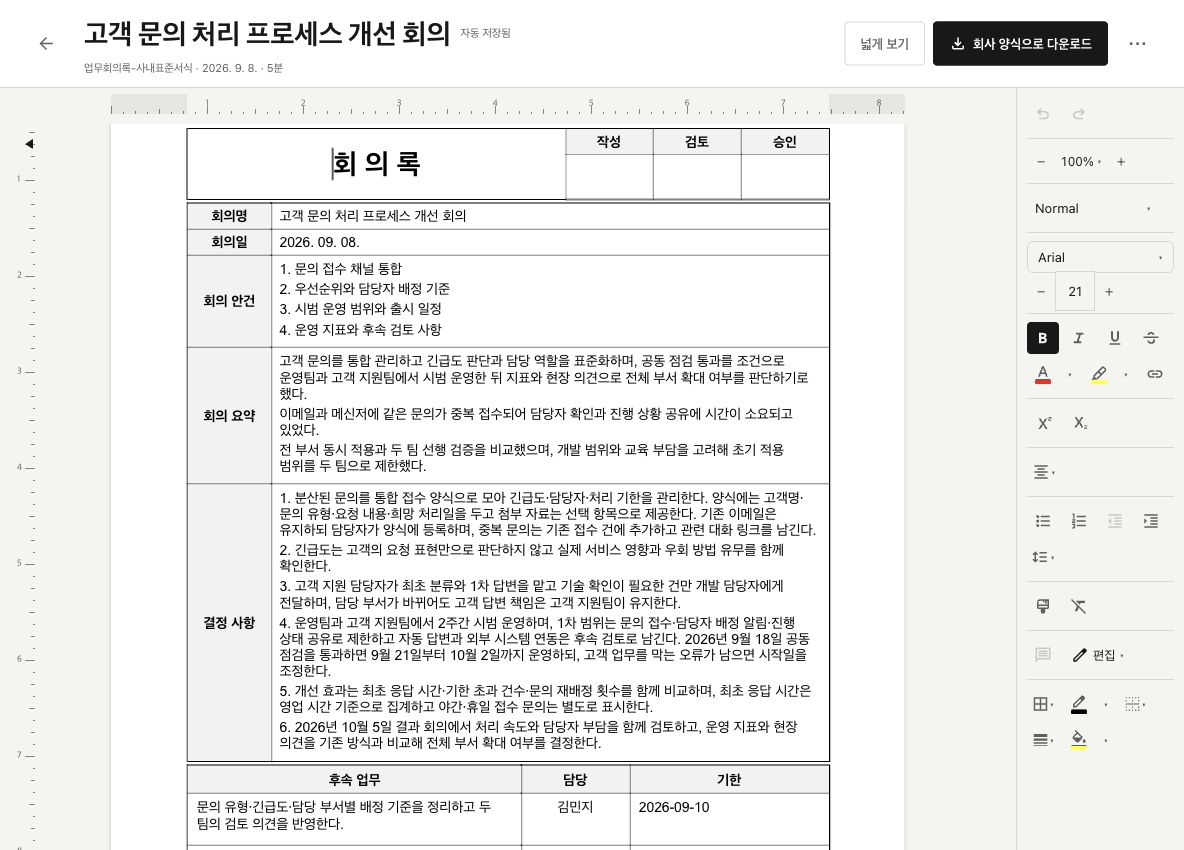
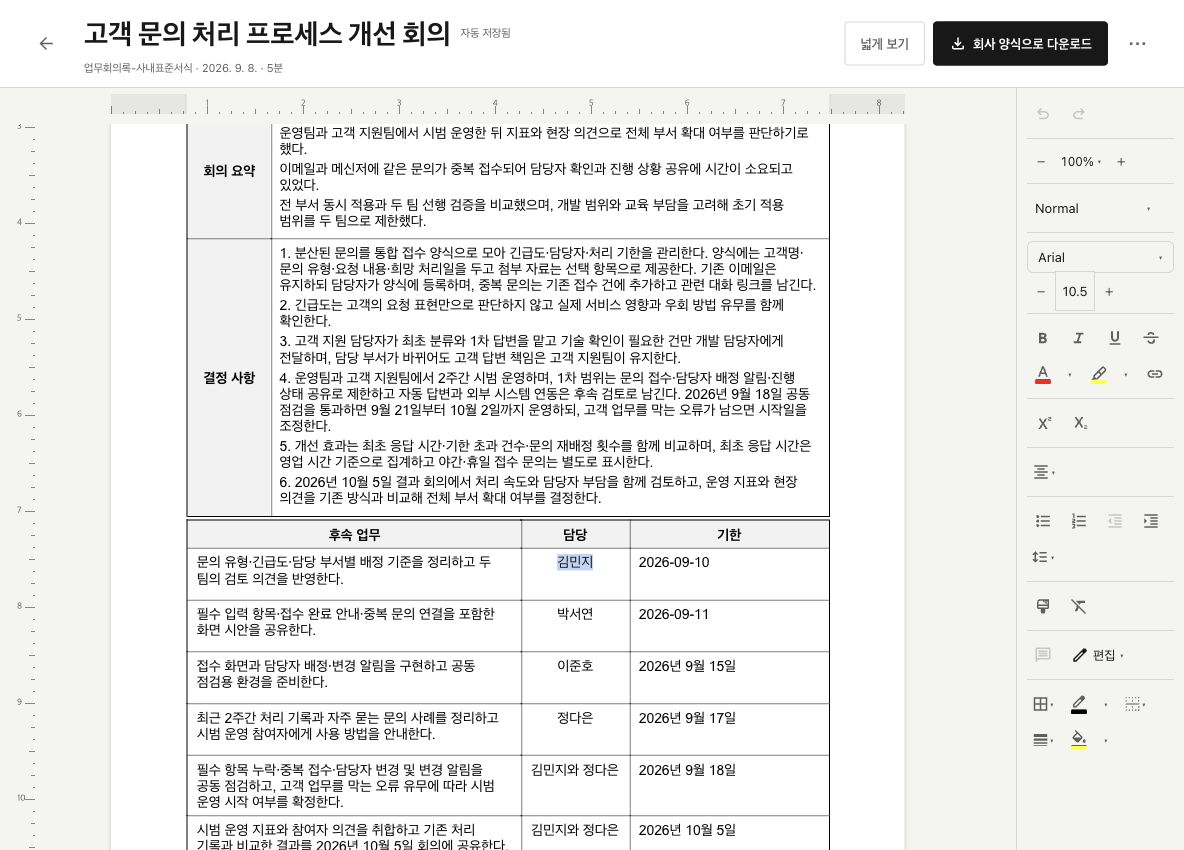
Edit on your computer before you export.
Edit text, assignees, and deadlines directly in your company's DOCX or HWP document on your computer. Changes save automatically.
You can also ask AI to revise the minutes. You handle the final review and submission to your company.
Before you start, a few answers.
Contact us with other questionsWhere can I use Ratifo?
Install the Ratifo app for Mac or Windows. Creating minutes requires an internet connection. Mobile apps are not available yet.
Can I use it without a company template?
Yes. You can start with the default template. If you add your company's template, you can reuse it for future meetings.
Can I upload an existing recording?
Yes. You can upload MP3, M4A, WAV, and WebM audio files, or record directly in the app. The file selection screen shows the upload size limit.
Which template and download formats are supported?
You can add Word (.docx) or Hangul (.hwp) templates. With a company template, you receive the same DOCX or HWP format you uploaded. Minutes using the default template are available as Word (.docx) files.
Can I edit the generated minutes?
Yes. On your computer, you can edit the DOCX or HWP document in your company's format, and changes save automatically. You can also ask AI to revise the minutes. Check key details, assignees, and deadlines, then download the file and submit it to your company yourself.
Where is meeting data processed and stored?
Service data is stored on OCI servers in South Korea. Tifo-1 Lite transcribes audio on your device; the original audio and transcript are stored on the server to create minutes and check sources. Server transcription and AI writing use external providers including Soniox and OpenAI. See the Privacy Policy for overseas processing and data retention and deletion rules.
Privacy PolicyIs it really free for life?
Yes. Basic features are free for life, from recording and file uploads to creating and downloading minutes in your company's format. There is no minute-based transcription quota.
View plans